
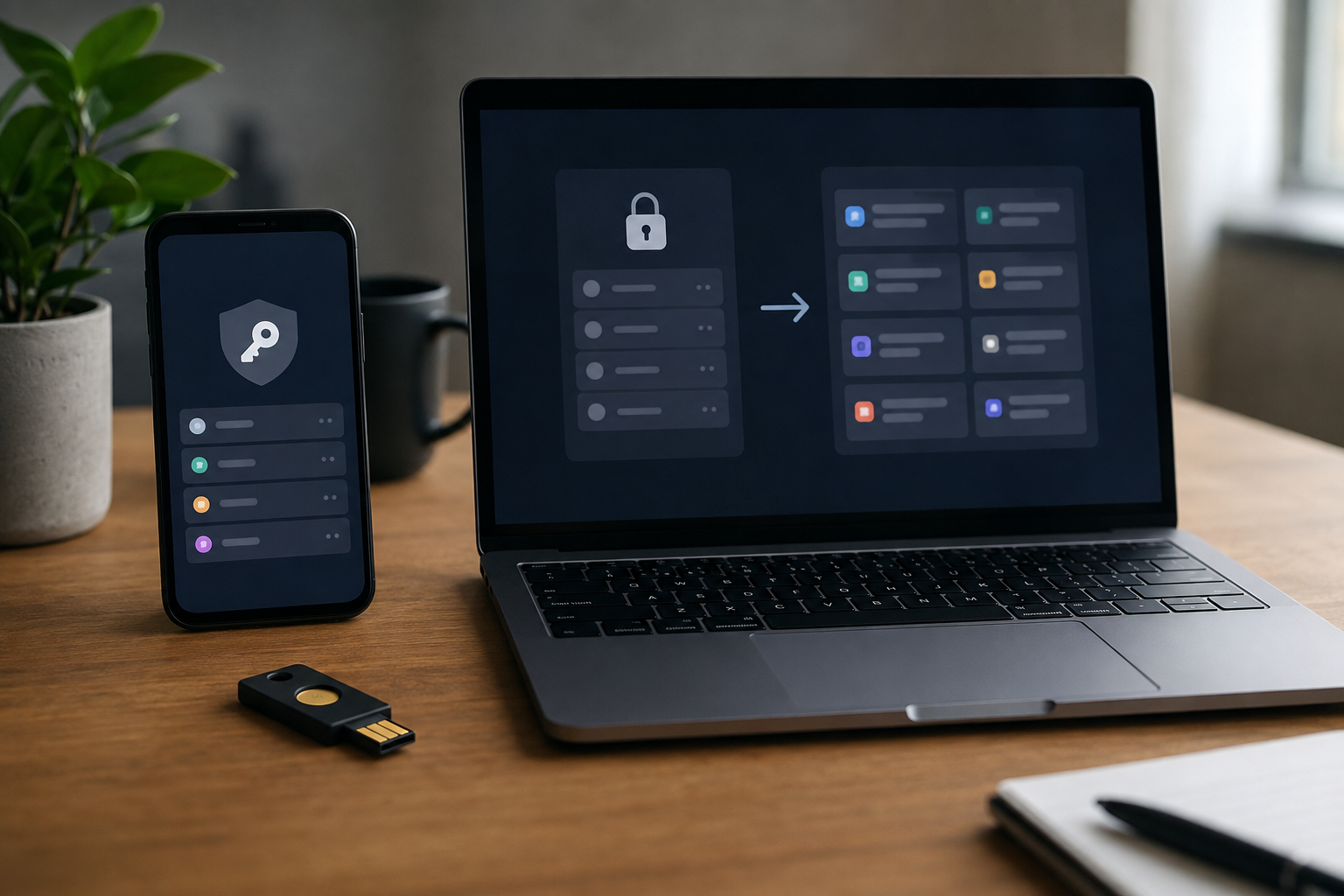
A password manager can make unique credentials practical, but a rushed migration can create a new single point of failure. The National Institute of Standards and Technology says password services should permit password managers and autofill, and notes that managers can help people choose stronger passwords. That support does not make every product or migration safe by default. Before moving, a user needs to understand where the encrypted vault lives, how it is unlocked, which recovery paths exist, and what happens to exported data. A controlled migration protects the most important accounts first, verifies access on more than one device, and removes temporary plaintext only after the new system is proven.
Choose a vault by examining its trust model
Start with the product documentation, security design, update history, supported platforms, export format, and recovery model. Determine whether the vault is stored only on a device, synchronized by the vendor, or synchronized through a separate storage provider. Learn what the vendor can and cannot recover. A statement that data is encrypted is incomplete without an explanation of where decryption occurs and which secrets unlock the vault. Independent security assessments can add evidence, but their date and scope matter.
Check whether the manager supports multi-factor authentication for its account, secure sharing if that is genuinely needed, domain-aware autofill, and a documented way to export data. Browser integration should match the browsers actually used. Mobile support should include the operating system autofill interface rather than encouraging indiscriminate copying. Consider how the vendor communicates incidents and how quickly supported applications receive security updates. Do not choose only by the length of the feature list; recovery, portability, and maintenance determine whether the system remains usable under stress.
Prepare recovery before importing anything
Create a long, unique master passphrase that is not used for email, device unlock, or any other service. Store it in a protected offline recovery record while the migration is being established. If the manager provides a recovery key, emergency kit, or one-time codes, follow its official instructions and keep a copy in a location that remains available if the primary device is lost. Protect the email account associated with the manager because it may receive security notices or participate in recovery.
Register a second authentication method where the service permits it, and test that method in a separate browser profile or device. Record enough information for an authorized person to identify the product and recovery procedure without writing the vault contents in an exposed note. Household or business use needs an explicit continuity plan; informal sharing of the master password weakens accountability. Recovery material is sensitive, so an accessible copy should still be physically or cryptographically protected from people who are not authorized to use it.
Migrate in risk order and verify every change
Begin with a small group of accounts rather than importing everything and immediately deleting the previous vault. Move primary email, the password-manager account, financial services, cloud storage, mobile-platform accounts, and domain or hosting accounts with particular care. For each important account, sign in through the known official address, replace any reused password with a generated unique value, verify the registered email and phone details, enable the strongest suitable authentication method, and save current recovery codes.
Sign out and perform a fresh sign-in before calling the account complete. Confirm that autofill selects the exact domain and does not place a secret into an unrelated field. Some services use several legitimate domains or separate usernames from passwords; document these cases inside the vault rather than training yourself to bypass domain warnings. Migrate ordinary accounts in batches after the critical set works. Keep a dated checklist showing which credentials were changed, merely imported, or intentionally closed. Imported passwords remain reused or weak until the underlying services are updated.
Handle export files as exposed secrets
Many migration formats are comma-separated or JSON files that contain usernames, passwords, notes, and addresses in readable text. Read both vendors’ current export and import documentation before creating one. Use a trusted, updated device; close unrelated applications; save the export only where intended; and avoid automatically synchronized desktop or download folders. Do not email the file, paste it into a converter, or upload it to an unverified web tool to fix formatting.
After import, compare record counts and inspect a sample that includes notes, custom fields, one-time-password seeds, and nonstandard URLs. Imported attachments or passkeys may require a separate process. Keep the old manager available until important logins and recovery routes have been tested. Then remove the temporary export using the operating system’s appropriate method and check cloud trash, recent-file lists, and backups that may have captured it. Deletion is not a guarantee of forensic erasure on every storage medium, which is why minimizing the file’s creation and exposure is the stronger control.
Maintain the manager as security infrastructure
Enable automatic updates for the application and extensions, and review newly authorized devices and active sessions. Periodically test recovery material without unnecessarily resetting the account. Remove duplicate and obsolete entries, close abandoned online accounts where practical, and respond to breach alerts by changing the affected service rather than every unrelated password. A manager does not prevent phishing if a user copies a secret into the wrong site, although domain-aware autofill can provide a useful warning.
Malware on an unlocked device, a compromised browser extension, weak account recovery, or theft of the master secret can still expose data. Never describe a vault as eliminating password risk. The defensible result is narrower: important services use unique credentials, recovery works through tested authorized paths, temporary exports are controlled, and the vault can be moved again through a documented format. A successful migration is one that remains recoverable and maintainable after the excitement of installation has passed.
REFERENCES
Sources and further reading
- 01NIST SP 800-63B-4: Authentication and Authenticator Management
- 02NIST guidance on password strength
- 03CISA Secure Our World
External links support verification and further reading; they do not endorse every statement at the destination. Accessed September 2026.