
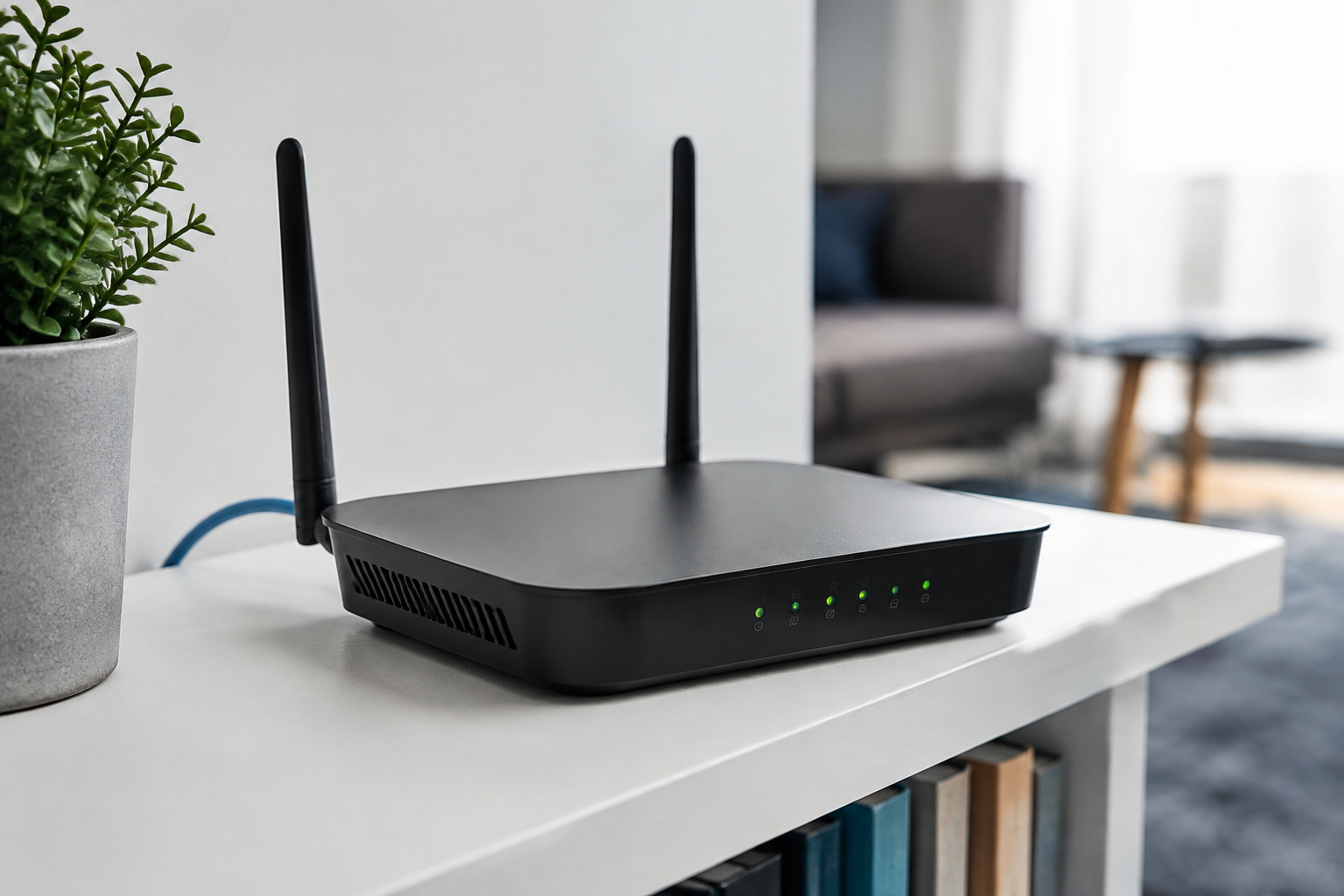
A home router sits between local devices and the internet, yet it is often treated as an appliance that never needs review. Replacement is justified when the vendor no longer provides security updates, the hardware is unreliable, required connection speeds cannot be sustained, or the network needs capabilities the existing product cannot safely provide. The United Kingdom’s National Cyber Security Centre advises users to keep smart devices updated, change default passwords, and reset devices before disposal. A router migration should apply those principles to the network itself: select a supported product, configure it from a trusted device, move clients deliberately, verify essential services, and sanitize or reset the retired unit.
Decide whether the old router is still supportable
Identify the exact manufacturer, model, hardware revision, firmware version, and ownership arrangement. An internet provider may manage updates for supplied equipment, while a retail device may depend on manual or automatic vendor delivery. Visit the vendor’s official support page and look for current firmware, security advisories, and an explicit end-of-support policy. A recent reboot or a message saying “up to date” does not prove that new security fixes are still produced.
Record present requirements before comparing replacements: subscribed internet speed, home size, wired ports, guest access, parental controls if needed, remote work, telephony, and devices that require older Wi-Fi bands. Measure current performance by wired and wireless connections at several relevant locations. Speed problems can come from the service, placement, interference, a client, or a damaged cable; a new router cannot fix every cause. Document provider settings and special services without copying secret credentials into an exposed shopping note.
Choose support and control before headline throughput
Compare the vendor’s update policy, support period, security notice process, automatic-update option, configuration export, and reset instructions. Check whether security features require a subscription and what stops working when it ends. Confirm compatibility with the internet service and any separate modem or optical terminal. Mesh systems may improve coverage, but each node needs continued support and a suitable wired or wireless backhaul. More antennas and a larger theoretical rate do not guarantee better results in a particular building.
Prefer equipment that permits unique administrator credentials, modern protected Wi-Fi modes, a separate guest network, and disabling remote administration and convenience features that are not needed. Check accessibility of the management interface and whether routine configuration requires a cloud account. If remote management is necessary, understand its authentication and recovery model. Product certification and regulatory marks are supporting evidence, not replacements for a vendor commitment to maintain the firmware.
Configure through a clean and local process
Download the current manual and firmware information from the known vendor domain before disconnecting the old network. Back up essential data on computers that will participate in the change. Connect one trusted, updated computer to the new router using a wired connection where practical. Change the administrator password to a unique value, update firmware, enable automatic updates if offered, set the correct time zone, and disable administration from the internet unless there is a documented need.
Create a strong Wi-Fi passphrase and use the strongest mode supported by the devices that must connect. A separate guest or internet-of-things network can limit casual access to personal computers, but its isolation behavior should be tested rather than assumed. Disable unused services such as universal plug-and-play, file sharing, or push-button enrollment when they are not required. Avoid restoring an old configuration file across unrelated models; it can reintroduce obsolete settings and makes the clean baseline harder to understand.
Move devices in groups and test expected behavior
Migrate administrative computers and phones first, then work devices, storage, media equipment, and smart-home products. Changing the network name and passphrase forces each device to be intentionally reauthorized and exposes forgotten equipment. Reusing the old name may reduce effort, but it also reconnects dormant or untrusted clients automatically. Choose based on the size and sensitivity of the network, not convenience alone. Maintain a checklist with device owner, connection type, and any fixed address or local integration.
Test internet access, name resolution, video calls, printing, backups, smart-home control, provider services, and guest isolation. Review the router’s connected-device list and label recognized clients. Unknown entries need investigation, but randomized device addresses can make a familiar phone appear new. Check coverage and speed in the same locations measured before replacement. Preserve a sanitized configuration record and the vendor recovery procedure; screenshots containing passwords or external addresses need the same protection as other security documentation.
Retire the old equipment without overclaiming safety
Remove provider credentials and connected storage, sign out of linked cloud services, and perform the manufacturer’s factory-reset procedure. Verify that the management interface no longer shows the custom network name or administrator configuration. If the device was rented, follow the provider’s return instructions and keep the receipt. If it is owned, use an appropriate electronics reuse or recycling program rather than household waste. A reset is designed to clear configuration, but implementation details vary; do not sell equipment containing separate storage without understanding how that storage is sanitized.
A new router does not make compromised clients safe, hide unsafe browsing, or guarantee privacy from providers and online services. Network segmentation is not a substitute for updates and strong account security on each device. The verifiable outcome is a supported router with recorded firmware, controlled administration, tested guest isolation where used, a known client inventory, and a reset retired device. Review support and update status at least annually so the replacement does not quietly become the next forgotten appliance.
REFERENCES
Sources and further reading
External links support verification and further reading; they do not endorse every statement at the destination. Accessed September 2026.