
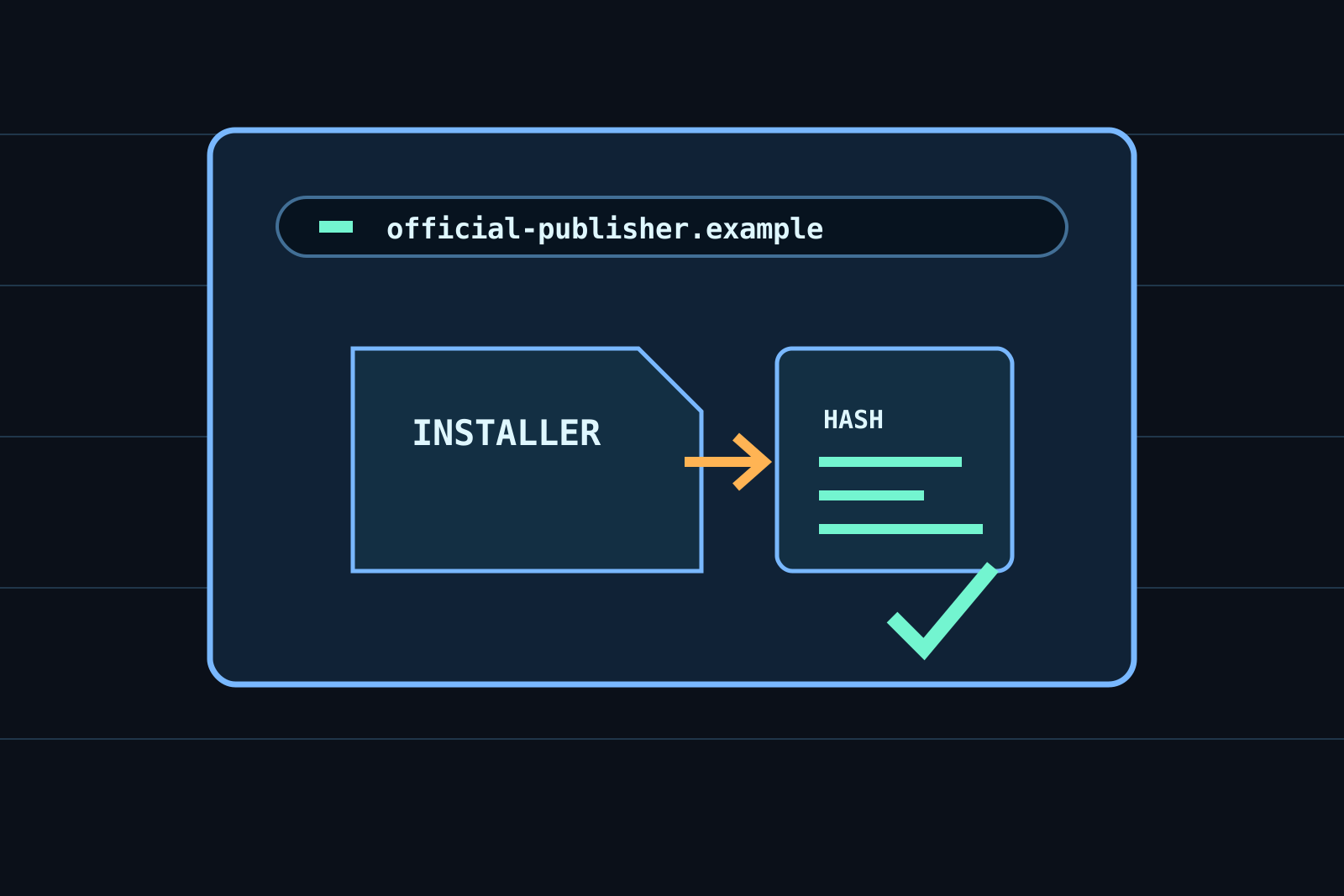
Software-download verification is often described as a quick preference, but it is an operating decision. The useful question is not whether a tool or setting sounds modern. It is what information, authority, time, or recovery path changes when it is used. Decide which publisher is authoritative, which official route will be used, and what verification information is available before downloading. A dependable approach begins with a bounded purpose, a documented source of truth, and a way to notice when the arrangement no longer matches the work. This article translates published guidance into a practical review method; it does not treat a product label or a single successful test as proof that risk has disappeared.
Start with the real task
Check the domain, publisher identity, operating-system source, installer filename, digital signature, checksum, requested permissions, and bundled offers. Write the task in terms of an input, an intended result, the person accountable for it, and the point at which an error becomes costly. This prevents a common failure: selecting a control because it is visible in settings while leaving the actual workflow unchanged. Separate routine convenience from information or action that cannot easily be recovered. A small, explicit scope also makes it possible to explain the choice to another person without relying on personal memory.
Decide which publisher is authoritative, which official route will be used, and what verification information is available before downloading. Identify the strongest consequence before enabling anything: exposure of personal data, loss of access, an incorrect decision, unusable hardware, or a misleading web destination. Then identify who can change the input and who can approve the outcome. This is not paperwork for its own sake. It gives the review a stopping rule when a feature asks for more data, a wider permission, or a faster commitment than the stated task requires.
Use evidence that can be checked
Use the publisher’s official website, operating-system store, documented checksums, release notes, and security advisories; treat advertisements and third-party mirrors as separate claims. Prefer a source that names its publication date, scope, and limitations. Official technical guidance, standards bodies, a vendor's own support documentation, and a current contract serve different purposes; none should be silently substituted for another. Keep the exact link, version, and date consulted when the decision is important. A search-result summary and a social-media claim may help identify a question, but they are not enough to close it.
A familiar product name and polished landing page can still lead to an altered installer, unwanted software, or a credential-harvesting copy of a legitimate download. Record uncertainty instead of filling gaps with the most reassuring interpretation. If a document uses terms such as may, reasonable, compatible, or secure, locate the condition that limits the claim. Check whether the condition applies to the device, account type, region, software version, or person using it. Evidence is most useful when it can be revisited after an update, incident, or disagreement rather than merely cited once during setup.
Build a controlled workflow
Navigate independently to the official source, compare the file with the published version information, scan it with the platform’s security controls, and retain the source link. Begin with a small reversible trial rather than a full migration or organization-wide rollout. Use a noncritical account, a copy of representative files, or a limited set of participants when the activity allows it. Keep the original state available until the new method performs the intended task. Do not put credentials, sensitive production records, or irreversible actions into a trial simply because the interface presents an easy import or one-click option.
Keep the operating system and browser updated, avoid running installers as an administrator unless required, and do not disable a warning simply to complete an installation. Make each protection visible in the workflow: a separate administrator account, least-privilege access, an export, an encrypted copy, a human confirmation, a documented destination, or a logged change. A control that only one enthusiastic person understands is fragile. State who can pause the process, where recovery material is kept, and how an unexpected result is reported. The resulting procedure should be short enough to use under ordinary time pressure.
Test the condition that matters
Inspect the installer’s publisher or signature where the platform provides it, compare a checksum when available, and confirm that the application updates through its expected official channel. Test an ordinary case and a difficult case, such as a missing file, a changed device, an expired session, a misleading request, an interrupted transfer, or an unusual input. Observe the complete path rather than only the first screen: a successful upload does not prove a restore, a green status icon does not prove an account can be recovered, and a trusted-looking website does not prove a download is authentic. Preserve a brief record of what was tested and what would trigger a retest.
Repeat the software-download verification check after material changes. Software updates, new integrations, account recovery changes, device replacement, and revised policies can invalidate an earlier answer. The goal is not constant surveillance. It is a scheduled, proportionate review that catches changed assumptions before they become an incident. When a test fails, narrow the scope or return to the previous safe method while the cause is understood.
Limits and a defensible conclusion
A signature or checksum adds evidence but does not make every program appropriate for a device, workplace, or privacy requirement. No individual checklist can guarantee security, privacy, accessibility, reliability, or legal compliance. Published guidance also has a scope: it may be technical rather than contractual, general rather than jurisdiction-specific, or appropriate for an organization rather than a household. Escalate decisions involving regulated records, money movement, workplace systems, health information, or a suspected compromise through the responsible support, security, or professional channel.
The practical conclusion for software-download verification is deliberately narrow. The chosen method is suitable only for the stated task, under the documented conditions, while its evidence and recovery path remain current. Keep the important artifacts, use the review cadence you can sustain, and revise the method when the task changes. This standard is stronger than a promise that the setup is permanently safe: another person can inspect the purpose, repeat the test, and see why the decision was made.
REFERENCES
Sources and further reading
External links support verification and further reading; they do not endorse every statement at the destination. Accessed September 2026.