
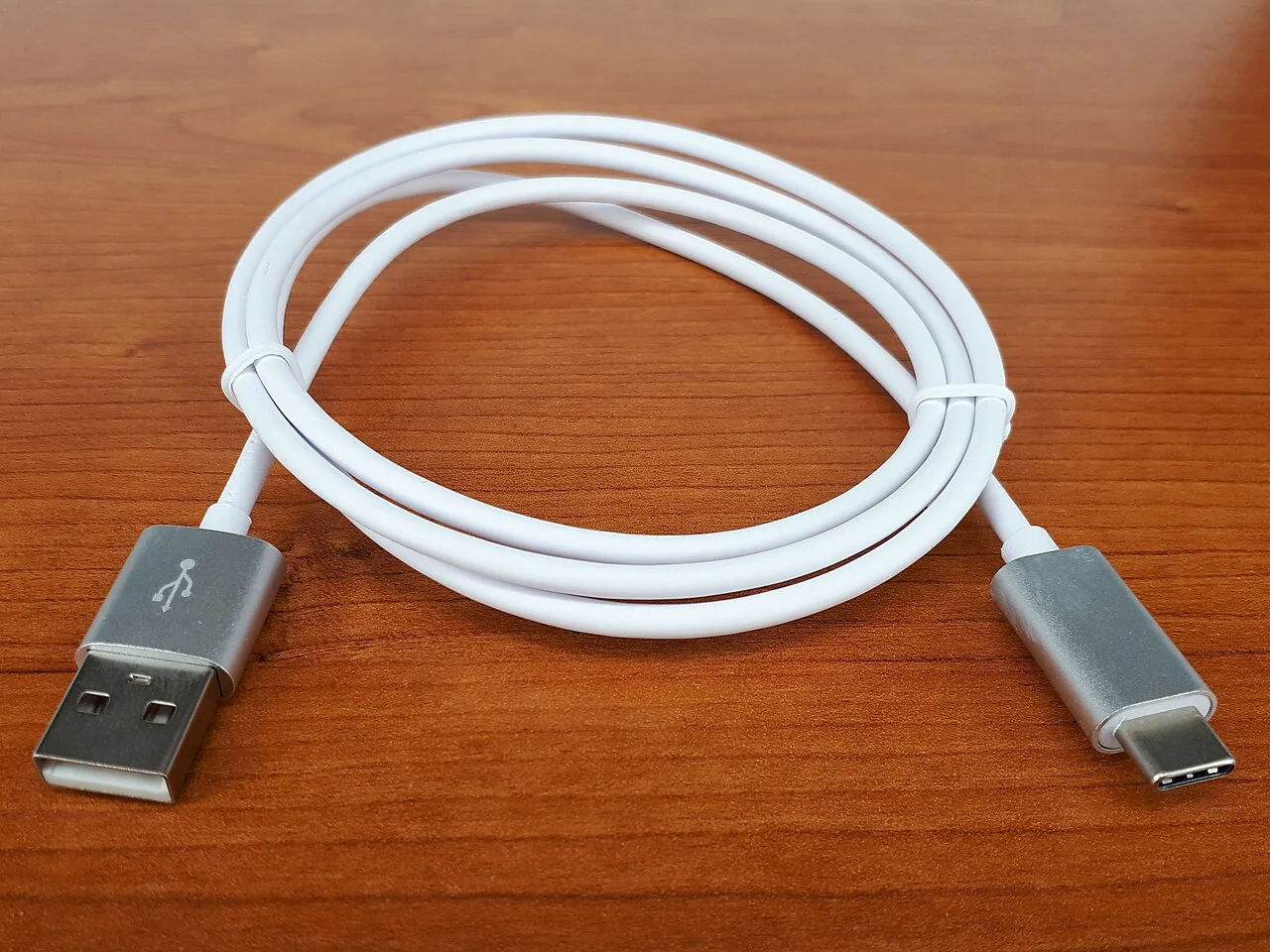
Two cables can share the same reversible USB-C plug and support very different work. One may charge a laptop at high power, another may carry fast data or video, and a basic cable may do only modest charging and data transfer. USB Implementers Forum guidance explicitly distinguishes the USB Type-C connector from USB data and USB Power Delivery capabilities. The practical buying method is therefore not “find a USB-C cable.” It is to write down the required power, data rate, display mode, and length, then verify that the charger, cable, and device all support the complete path.
Separate the four questions printed as one logo
First ask about power: how many watts the device accepts, whether it uses USB Power Delivery, and whether a high-current cable is required. Second ask about data: the slowest link among host port, cable, hub, and peripheral determines the connection’s practical ceiling. Third ask about video: a USB-C-shaped port does not automatically provide display output, and a cable that charges correctly may not carry the required display signal. Fourth ask about physical use: length, flexibility, connector clearance, and repeated bending affect reliability.
Read the computer or device manufacturer’s port specifications before shopping. Symbols beside a port can help, but documentation is more reliable than interpreting an unfamiliar icon. Record the exact peripheral and target behavior, such as charging a 65-watt notebook, transferring files from a 10-gigabit-per-second drive, or driving a specified monitor resolution and refresh rate. A cable does not create a capability absent from the source or destination.
Size the power path with headroom and transparency
Use the device maker’s recommended charging power as the baseline. A charger can advertise a high total output that is divided among several ports; examine the per-port and simultaneous-use table. When another device is connected, some chargers renegotiate and briefly interrupt output. That may be acceptable for phones but undesirable for equipment expected to run continuously. A higher-rated charger does not normally force all available power into a compliant lower-power device; USB Power Delivery negotiates supported levels, but compatibility still depends on standards-compliant equipment.
High-power operation may require a cable with an electronic marker identifying its capability. Look for explicit wattage marking and certification information rather than judging by thickness. Avoid products that use “fast” without a number or supported protocol. Proprietary charging modes may fall back to a slower rate when paired with a general charger. For travel, total input voltage support, plug quality, thermal design, and safety certification appropriate to the destination matter as much as small size.
Specify data and video rather than assuming them
A cable sold primarily for charging may provide only basic data speed. For external storage, cameras, docks, and network adapters, match the required USB or USB4 data rate across the host port, cable, and device. Marketing may use legacy names, current performance logos, or only a nominal rate; the official USB-IF consumer naming guidance favors clear speed labels such as a stated number of gigabits per second. Treat an unlabelled listing as missing evidence.
Display connections add another dependency. Confirm that the source port supports the necessary alternate mode or USB4 display capability, that the dock and cable carry it, and that bandwidth remains sufficient when data and multiple displays share one connection. For long desk runs, use a cable designed and certified for the requested rate rather than assuming any passive cable will work. Thunderbolt-branded equipment has its own certification and compatibility details; consult the device specifications rather than treating the lightning symbol as a universal solution.
Buy from traceable listings and test the actual workload
Prefer a manufacturer or seller that publishes model numbers, supported wattage, data speed, video capability, length, warranty, and recognized certification marks that can be checked. USB-IF maintains product and logo programs, although certification does not guarantee that every retail listing is genuine. Packaging should use capability labels consistently. Avoid a listing that combines mutually impressive terms without explaining which mode was tested or which port provides it.
When the product arrives, inspect connectors and strain relief, then test it with the intended devices. Confirm charging status under normal load, transfer a sufficiently large file while observing the negotiated link where the operating system exposes it, and run the target display resolution and refresh rate. Watch for disconnects, excessive connector heat, or charging that cycles. A simple power meter can help diagnose negotiation, but it must itself support the power level and protocol; inserting an unsuitable meter can change the result. Stop using damaged or unusually hot equipment.
Document the cable and respect the weakest link
Label specialized cables with power and data capability so they do not become anonymous in a drawer. Keep high-performance cables with the docks or storage devices that need them. Reevaluate after replacing a charger, adding a monitor, or changing a laptop, because the complete path has changed. Do not discard working basic cables merely because faster standards exist; assign them to a role that matches their verified capability.
Published ratings do not predict every combination, firmware defect, electrical environment, or counterfeit product. A cable can also wear out after passing an initial test. The responsible conclusion names the tested system and result: this charger, port, cable, and device negotiated the required power or data mode under the observed conditions. USB-C describes the connector family.
REFERENCES
Sources and further reading
- 01USB-IF: USB Charger and Power Delivery
- 02USB-IF USB Type-C product and packaging language guidelines
- 03USB-IF certified product search
Sources reviewed October 20, 2026. Provider instructions and product terms can change. Examples identified as fictional are editorial illustrations, not reported events or product tests.