
THE COMPLETE ARCHIVE · 40 STORIES
All Articles
Every SIGNAL FRAME story in one place, organized by the questions it helps readers answer.
11 STORIES
AI Practice
Before You Run an AI Model Locally, Calculate These Three Costs
Memory is only the entry ticket. Frequency, data sensitivity, and maintenance determine whether local AI is actually useful.
Read story
An AI Summary Is Not an Answer: Build a Verifiable Reading Workflow
Before a model compresses a document, decide how sources, omissions, and uncertainty must appear.
Read story
Draw a Data Boundary Before You Give a File to AI
A four-level method for deciding what can be uploaded, what needs redaction, and what should stay off a general model.
Read story
Build an AI Evaluation Set From Work You Already Understand
A small, versioned collection of real tasks reveals more than a generic leaderboard can.
Read story
A Document Can Contain Instructions for Your AI: Treat Prompt Injection as a Security Boundary
Text retrieved from email, webpages, and files is untrusted input—even when it looks like ordinary content.
Read story
“Human in the Loop” Is Too Vague: Define the Review Checkpoint
A reviewer needs authority, evidence, time, and a clear condition for stopping the workflow.
Read story
What Content Credentials Can Prove—and What They Cannot
Provenance records can describe a media file’s history without declaring that every visible claim is true.
Read story
Before You Upload a Document to AI, Ask Where It Will Be Retained
A retention question turns vague privacy concern into a concrete review of copies, accounts, and deletion paths.
Read story
Citations From an AI Answer Are Starting Points, Not Evidence
Verify the source, passage, date, and scope before treating an AI-generated citation as support for a decision.
Read story
When an AI Workflow Should Escalate Instead of Decide
Route uncertainty, missing evidence, and high-impact outcomes to people before automation turns a weak signal into an action.
Read story
Test an AI Tool With Private Documents Without Treating Them as Test Data
Use approved samples, redaction, and isolation to learn whether a workflow works before exposing sensitive records.
Read story11 STORIES
Digital Life
The More Files You Have, the Less You Should Use “Final”
Use date, subject, and status to build a naming system that works without memory.
Read story
Do Not Wait for a Drive Warning: Plan a Monthly Backup Check
Turn “I should back up” into a scheduled process that proves your files can be restored.
Read story
Give Notifications a Budget Instead of Silencing Everything
Reconfigure alerts around what requires immediate action, so a notification becomes a signal again.
Read story
Adopt Passkeys Without Creating a New Lockout Risk
Understand the provider, recovery path, and cross-device flow before removing the last password.
Read story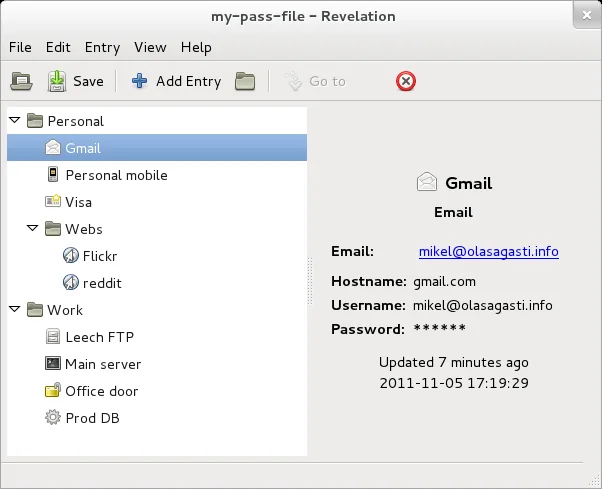
Move to a Password Manager Without Losing Access to Your Accounts
Inventory, recovery planning, staged migration, and a verified backup matter more than moving every login in one day.
Read story
Build a Personal Photo Archive That Survives Phones, Clouds, and Time
Preservation starts with complete exports, understandable folders, multiple copies, and routine restore tests.
Read story
Create a Software Update Routine That People Will Actually Follow
Automatic installation, supported devices, backups, and a short exception list make patching dependable.
Read story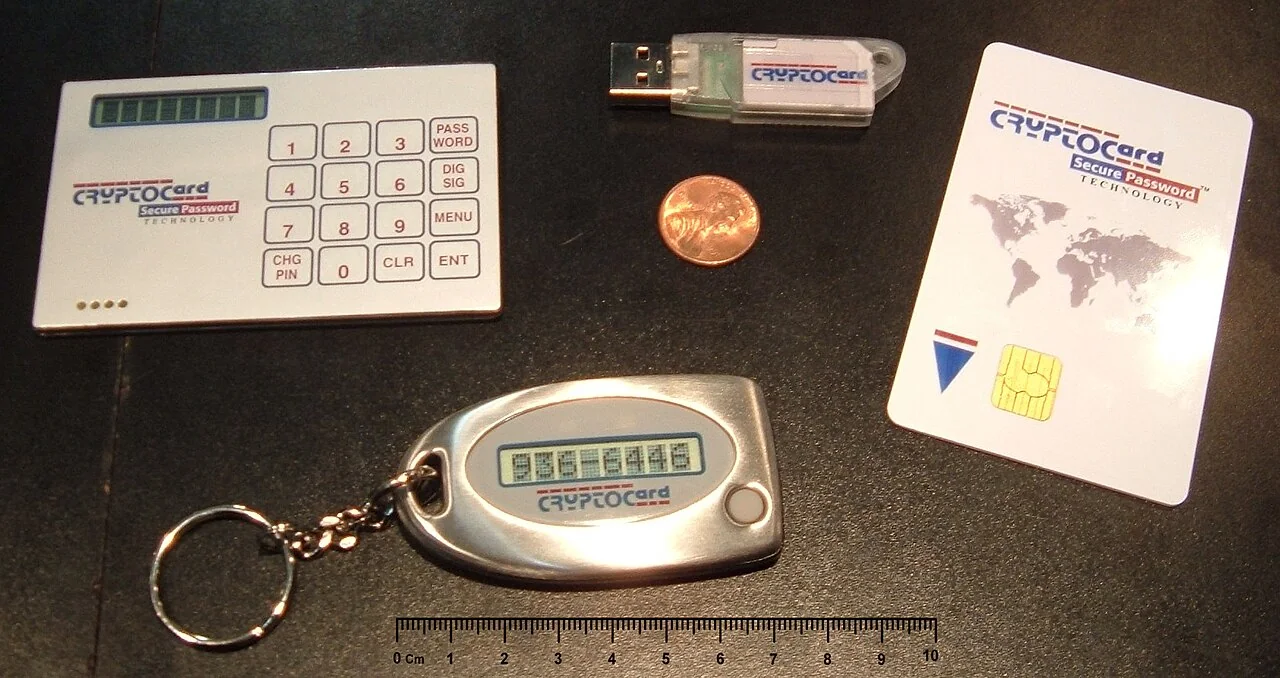
Store Recovery Codes as Carefully as Passwords
Recovery codes can rescue an account after device loss, but they also bypass normal sign-in protections.
Read story
Deleting an App Is Not Deleting an Account
Export what matters, remove access paths, and keep evidence of the request before you treat an account as closed.
Read story
Before You Switch Platforms, Test the Export You Plan to Trust
An export is only useful when it contains the needed records, opens elsewhere, and survives a trial import.
Read story
Shared Family Accounts Need Clear Boundaries Before an Emergency
A shared device, subscription, or recovery method should not become a hidden transfer of identity or access.
Read story10 STORIES
Hardware

Choose a Laptop by Its Bottleneck, Not Its Model Name
Spend money on the seconds you actually wait through each day, not the loudest number on a specification sheet.
Read story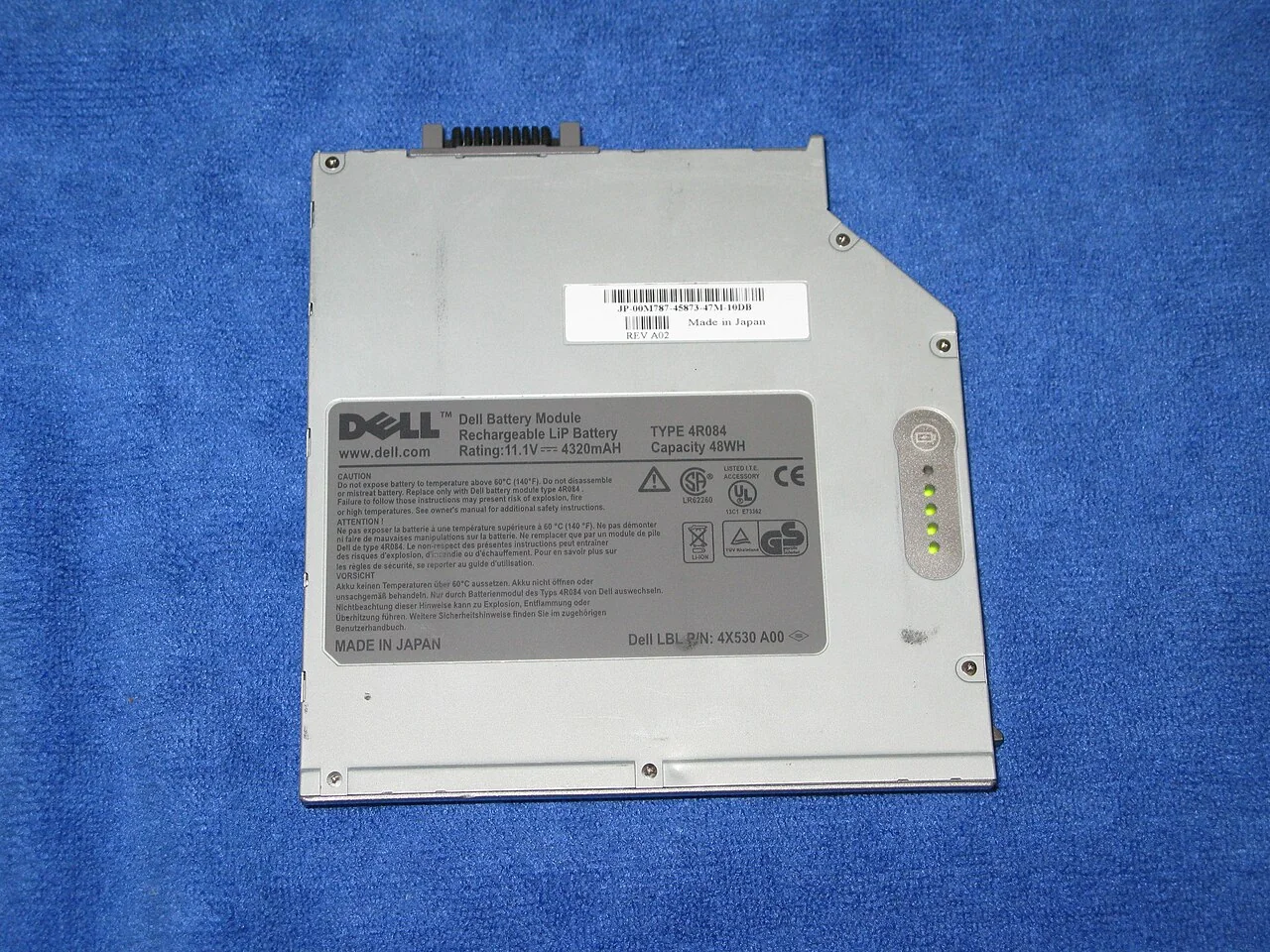
Battery Longevity Is About More Than Watching 80 Percent
Temperature, long periods at full charge, and usage cycles matter more than obsessing over one number.
Read story
Repair or Replace? Estimate the Remaining Value of an Older Device
Consider failure scope, support life, migration work, and environmental cost—not only the repair quote.
Read story
USB-C Is a Connector, Not a Performance Promise
Match power, data speed, video support, and certification to the job before buying a cable or charger.
Read story
Replace a Home Router Without Carrying Old Security Problems Forward
Support status, a clean configuration, unique credentials, updates, and a deliberate device migration matter more than peak speed.
Read story
Buying or Selling a Used Computer Requires a Data Plan
Verify ownership, support, hardware condition, account release, and media sanitization before money or equipment changes hands.
Read story
Prepare a Device for Repair Without Handing Over Your Entire Digital Life
Back up, remove unnecessary access, document the condition, and choose the repair path before the device leaves your hands.
Read story
Set Up a Monitor for Readability Before Buying a Bigger One
Text scale, contrast, glare, viewing distance, and input methods often matter more than a specification sheet.
Read story
Before You Upgrade Laptop Storage, Check the Part You Cannot See
Compatibility, encryption, warranty, backup, and recovery can matter more than the advertised drive speed.
Read story
A Power Strip Is Not an Infinite Extension of the Wall
Match load, condition, certification, and placement to the actual equipment instead of hiding a risky setup behind a desk.
Read story08 STORIES
Web Literacy

How to Perform a Ten-Minute First Check on a Viral Claim
Before sharing, find the original source, check the date, reverse-search the media, and restore the context.
Read story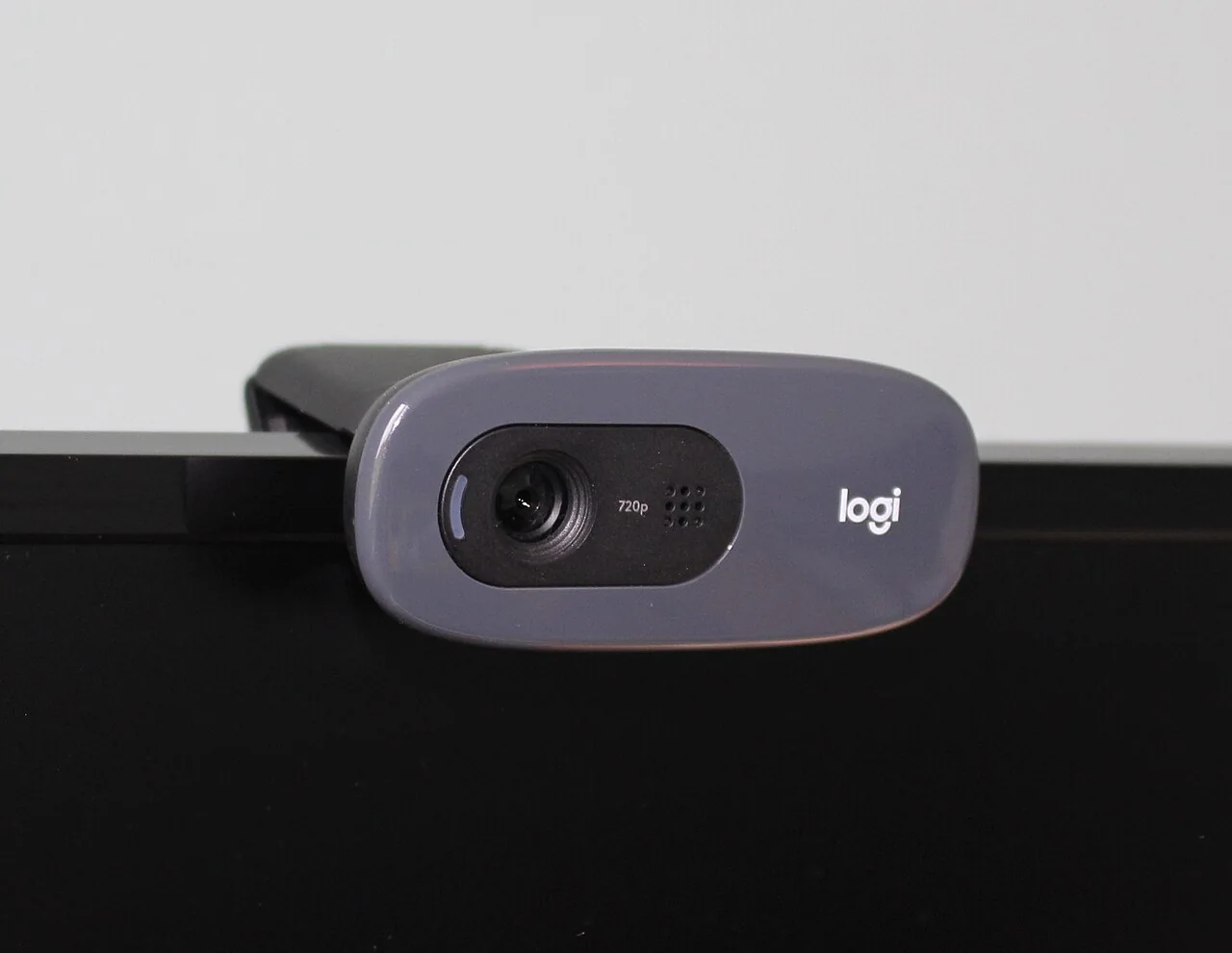
A Browser Permission Checkup for Camera, Location, Microphone, and Alerts
Once a quarter, reclaim the temporary permissions that quietly became permanent.
Read story
A Privacy Policy Is Too Long—Start With These Five Questions
Use collection, purpose, sharing, retention, and rights to locate the terms that affect you.
Read story
Before You Sign In, Verify the Route to the Login Page
Message context, the real destination, a trusted navigation path, and the password manager’s domain check can expose phishing.
Read story
Run a First Accessibility Review Before You Publish
Keyboard use, headings, alternatives, contrast, zoom, forms, and media reveal basic barriers that automated scores miss.
Read story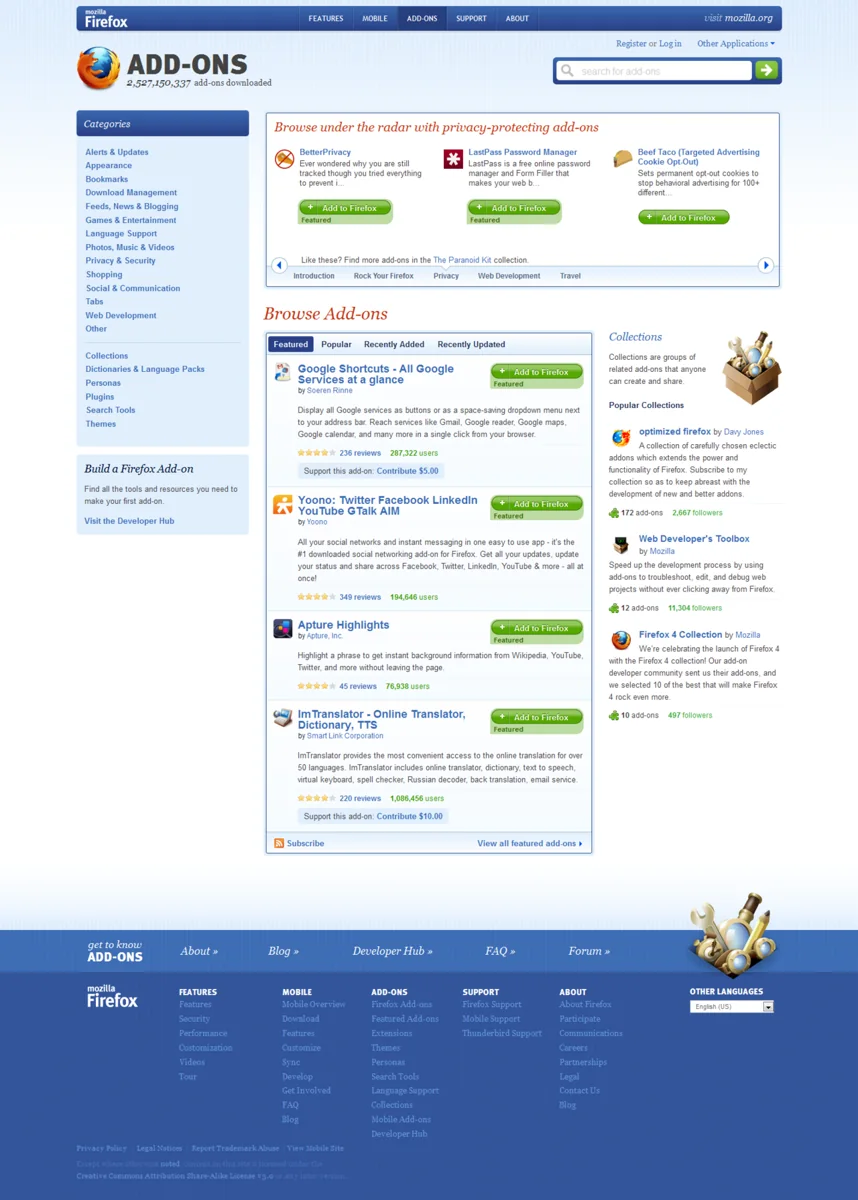
Audit Browser Extensions Before They Become Invisible Infrastructure
Extensions can read, change, and connect to webpages; review their purpose, publisher, permissions, and update path.
Read story
Before You Install Software, Verify the Download Route and Publisher
Search advertisements, copied installers, and lookalike domains make the path to a download as important as the program name.
Read story
Read the Domain Name Before You Trust the Page
The registered domain, not the logo or the first words in a URL, tells you where a browser is actually connected.
Read story