
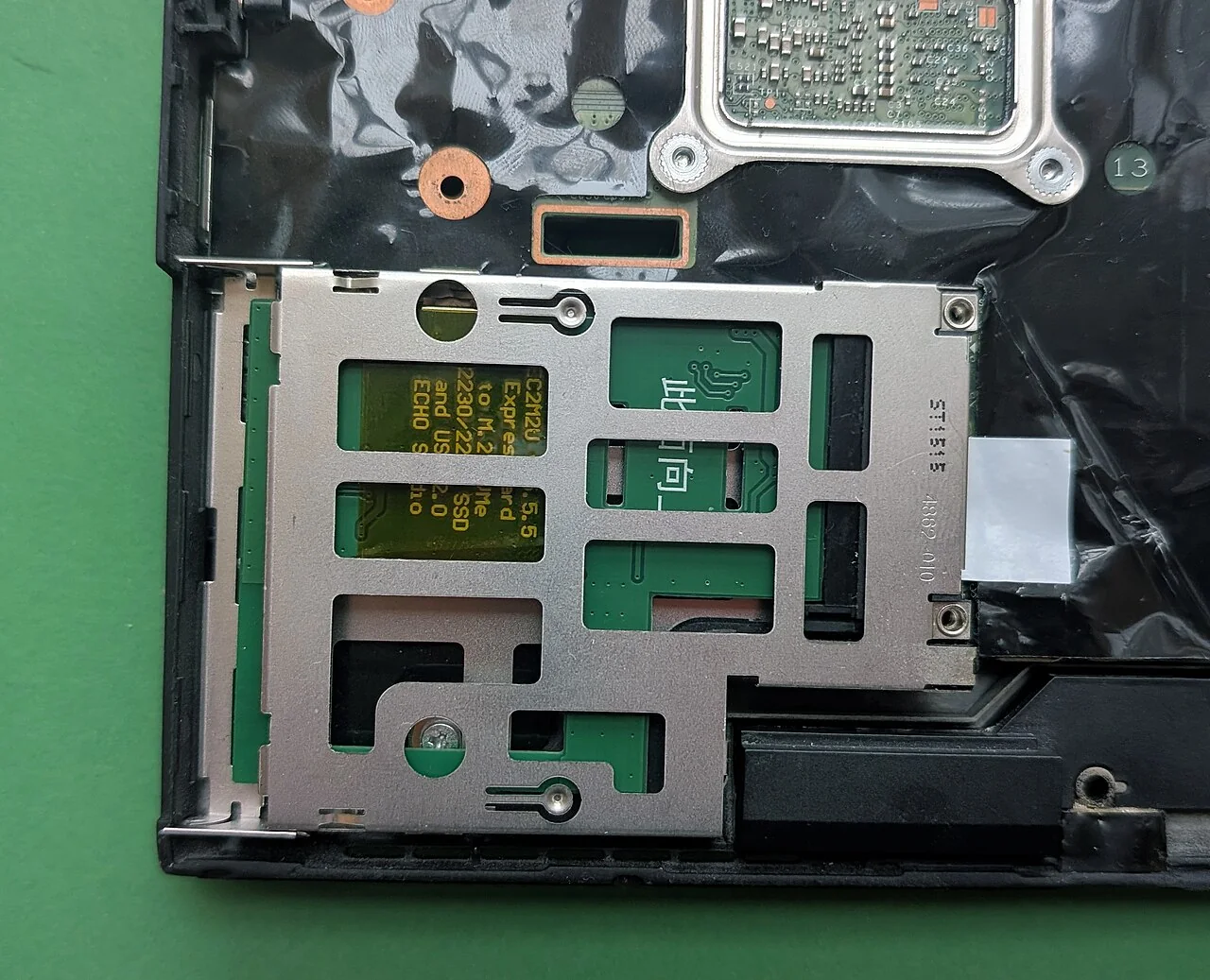
An SSD that looks right can still be the wrong upgrade. A laptop's storage options depend on its exact model, physical space, supported interface, firmware and recovery requirements. The purchase decision should therefore produce a compatibility record before it produces an order. This guide explains how to assemble that record and prepare for migration. It does not recommend a particular drive or claim that a generic video establishes what is inside your computer. When the service documentation is unclear, an external drive or qualified service may be the better option.
Confirm whether storage is actually the constraint
Record the current drive's capacity, free space and the task that fails. Low available space, an application waiting on storage and an unrelated processor bottleneck are different problems. A capacity upgrade may help the first while doing little for a computation-heavy task. Investigate failing hardware promptly rather than putting irreplaceable data through repeated benchmarks to prove that it is slow.
Back up important files before experimenting. Inspect the types of data consuming space and determine whether old downloads or reproducible caches can be removed through supported tools. Avoid deleting unfamiliar system files. If the working set genuinely exceeds the current capacity, estimate the space needed for the operating system, applications, active projects and reasonable growth. Keep that estimate tied to observed use rather than paying for an imagined workload without a plan.
Identify the exact device and service document
Find the full model identifier and relevant hardware variant through the manufacturer or supported system tools. Search the official support site for the service manual and storage specifications. Similar product names can cover different layouts, and a retailer's broad compatibility tag may not describe your configuration. Save the document title, model coverage and retrieval date in the upgrade record.
Check whether the storage is replaceable, soldered, behind a serviceable panel or accessible only through a procedure that requires trained service. Note how many slots exist and whether one is occupied. Do not open the chassis merely to settle a question if you lack the required procedure or safe handling arrangements. Warranty terms and consumer rights vary; verify the actual terms rather than accepting a universal claim that opening any computer always voids, or never affects, coverage.
Match both physical form and electrical interface
M.2 describes a physical module and connector family, not a universal promise of protocol compatibility. Record the supported module dimensions, keying, SATA or PCIe/NVMe requirements, mounting position and allowed physical clearance. Check whether single-sided or double-sided modules matter in the documented space. A connector accepting a module does not by itself prove that the firmware supports it.
Use the drive manufacturer's specifications alongside the laptop manual. Record the complete part number rather than a product-family nickname. If a seller claims compatibility beyond what the documentation establishes, ask for a specific supported reference or choose a verified alternative. Do not infer support for a larger capacity, newer interface generation or added heatsink from a photograph of a similar machine. The compatibility record should make the evidence for every necessary match inspectable before money is spent.
Resolve encryption and recovery before replacement
Determine whether the existing installation uses device encryption and how its recovery material is stored. Microsoft’s BitLocker guidance notes that a recovery key may be needed to unlock an encrypted drive. Keep the applicable key reachable independently of the computer being changed, following organizational rules. The drive's physical possession and your ordinary sign-in password should not be assumed to replace that recovery requirement.
Choose between a supported cloning workflow, fresh installation or restoring a backup. Each has different requirements for adapters, software, licensing and drivers. Read the instructions for the actual tools and platform before disconnecting the old drive. A successful file copy is not necessarily a bootable system. Prepare official installation or recovery media where appropriate and verify that you know how to start it without improvising firmware changes under pressure.
Make the old drive a controlled fallback
Follow the manufacturer's power, battery-disconnection and electrostatic precautions if the procedure is appropriate for you. Keep track of screws and do not force a connector or fit an unsupported component. If the instructions require a professional, stop at the planning stage and provide the compatibility record to the service provider. This guide is not a replacement for the device's disassembly procedure.
After installation, verify detection, available capacity, normal startup and access to important files. Check encryption status and the backup schedule; a hardware change can affect assumptions those processes made. Restore a representative file from an independent backup. Retain the old drive securely until the replacement has passed the tasks that matter. A disk lying on a desk may still contain private data even if it no longer boots the laptop.
Decide what to do with the removed medium
Do not sell, donate or discard the old drive until its data has been handled through an appropriate sanitization process. NIST's media-sanitization guidance distinguishes methods according to the medium, information and intended disposition. Ordinary deletion is not a universal erasure method, and repeated overwrite advice cannot be transferred blindly between magnetic and solid-state storage.
Keep a brief upgrade record with the device identifier, installed part, official compatibility references, migration method and verification result. If an essential application still stalls, return to the observed bottleneck rather than declaring success because a specification increased.
REFERENCES
Sources and further reading
- 01Dell: Differences Between M.2 Cards, Slots, Keys, Sizes and Types
- 02NIST SP 800-88 Revision 2: Guidelines for Media Sanitization
- 03Microsoft: Find your BitLocker recovery key
Sources reviewed October 20, 2026. Provider instructions and product terms can change. Examples identified as fictional are editorial illustrations, not reported events or product tests.